
Wowbet Login
Log in to your Wowbet account and reach your casino balance, sportsbook bets, and active bonuses from a single dashboard. Your deposit history, loyalty points, and saved game list stay linked to your profile across every session. Enter your credentials below or register a new account in under 2 minutes.
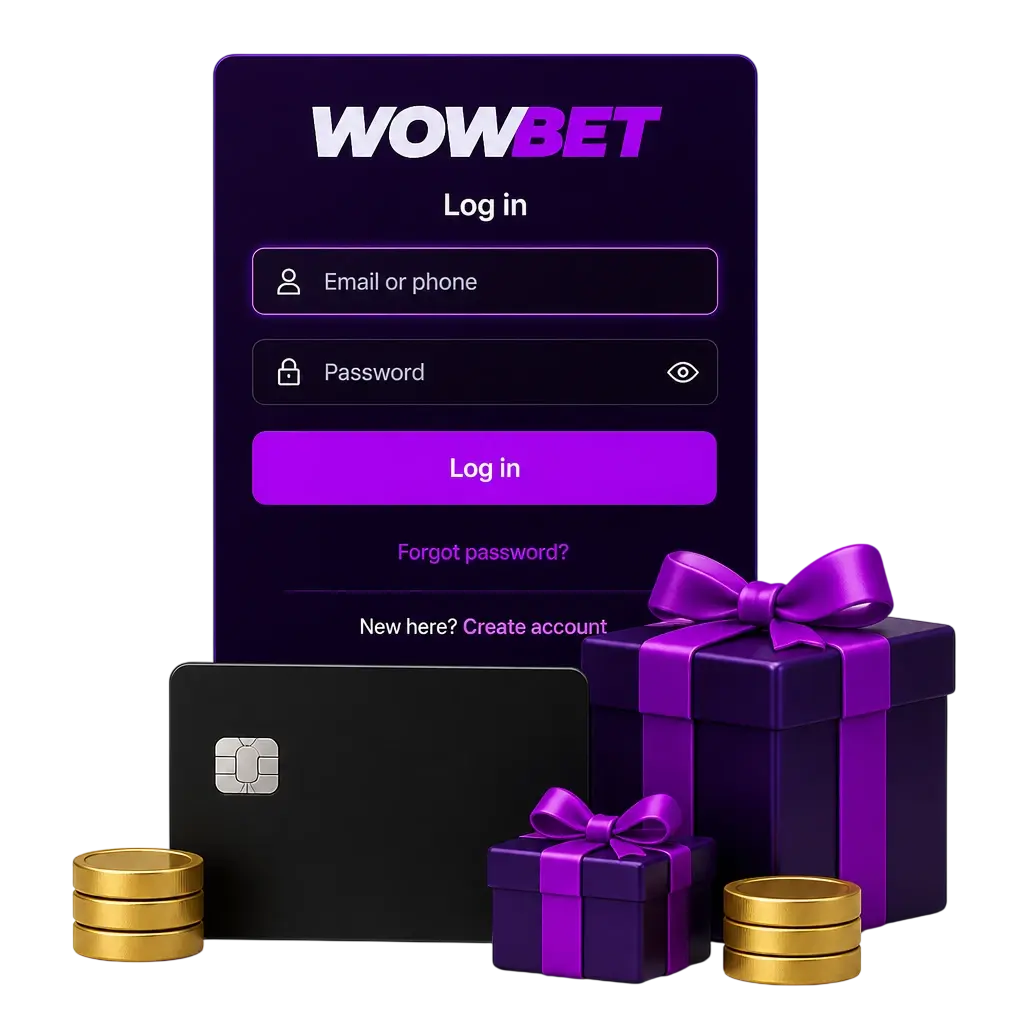
How to Log In to Your Wowbet Account
This guide walks through each step to access your account from any device in the Philippines.
Click “Log In”
Click the “Log In” button on this page to open the Wowbet sign in form.
Enter Your Account Details
Type your registered email address or mobile number, then add your password.
Complete Verification If Prompted
If the system flags a new device, enter the OTP sent to your email or mobile number within 2 minutes.
Load Your Dashboard
Your balance, open bets, and bonus funds appear on screen once verification clears.
Start Your Session
Head to the casino lobby or sportsbook and place your first wager of the day.
Forgot Your Wowbet Password?
Players in the Philippines can restore account access through the password reset tool on the login page. The system sends a reset link to your registered email address or an OTP to your registered mobile number within 2 minutes. Most users regain full access to their Wowbet account login within 5 minutes.
- Click “Reset Password” below the login form;
- Enter the email address or mobile number linked to your profile;
- Open the reset link or enter the 6 digit code sent to your device;
- Create a new password with at least 8 characters, including 1 number and 1 symbol.
Wowbet Mobile Login
The app uses a saved PIN or fingerprint scan after your first sign in, cutting typing time on a small screen. Website login through a mobile browser still asks for your full email and password at every session.
- Download the App: tap the button below to download the Android APK file, approximately 45MB, directly from the Wowbet official website login page.
- Install the APK File: open the downloaded file and allow installation from unknown sources in your device settings, a standard step for sportsbook and casino apps distributed outside the Google Play Store in the Philippines.
- Sign In With Your Credentials: enter your registered email or mobile number and password on first launch, or use the same login used on the website.
- Set Up Quick Access: turn on fingerprint login or set a 4 digit PIN for faster sign in on future sessions.
- Confirm and Play: your balance and active bonuses sync right after login, ready for casino or sportsbook use.
Login Security & Identity Verification at Wowbet
Every Wowbet log in attempt passes through layered checks built for the Philippine market. The platform checks new device logins against your registered mobile number and email address automatically. Identity checks follow standard Know Your Customer practice to verify your profile before withdrawal. These steps protect your account and balance without adding complex steps to daily logins.
- Email verification code sent on first login from a new device or browser;
- SMS OTP for Philippine mobile numbers starting with +63;
- 2FA (two factor verification) option under account settings;
- Document check (valid ID plus proof of address) required before your first withdrawal;
- Session timeout after 30 minutes of inactivity, logging you out automatically.
Account Protection Tips for Wowbet Users
Your login details are the first defense line for your balance and personal information. Apply this advice to keep your account locked down.
- Use a password with at least 10 characters, mixing uppercase letters, numbers, and symbols;
- Avoid reusing your password on other betting sites or email accounts;
- Turn on 2FA (two factor verification) under your account security settings;
- Log out manually on shared or public devices instead of closing the browser tab;
- Update your registered mobile number right away after changing your SIM card;
- Check your login history under account settings once a week for unfamiliar devices.
Troubleshooting Common Wowbet Login Issues
Most login problems trace back to a handful of technical causes. Each problem below includes a quick solution.
- Incorrect password triggers a login error; use the “Reset Password” link to set a new one within 5 minutes;
- Repeated failed attempts lock the account for 15 minutes; contact live support to restore access sooner;
- OTP delays usually stem from signal issues; check your spam folder, then request a new code after 60 seconds;
- An outdated app version can block sign in; download the latest APK file from the website to fix it;
- Browser cache buildup causes display errors; clear your cache and cookies, then reload the login page;
- An unverified profile limits access; complete your KYC document upload to restore withdrawals and login.
FAQ
How long does Wowbet login verification take?
Most sessions verify within 5 seconds. New devices may trigger an SMS or email code, adding about 2 minutes to the process.
Can I log in with my GCash account?
GCash is not a login method. Sign in only with your registered email address or mobile number; GCash remains available for deposits and withdrawals.
Is the mobile app available on Google Play?
The app is not listed on the Google Play Store under current Philippine policy for gambling apps. Download the APK file directly from the website instead.
What should I do if I forgot the email address linked to my account?
Contact support through live chat with your mobile number and registration date ready. The team locates your account within 1 business day.
Can I stay logged in on my mobile device?
Yes. Turn on fingerprint or PIN login in your app settings. Your session stays active for up to 30 days unless you log out manually.
Updated: